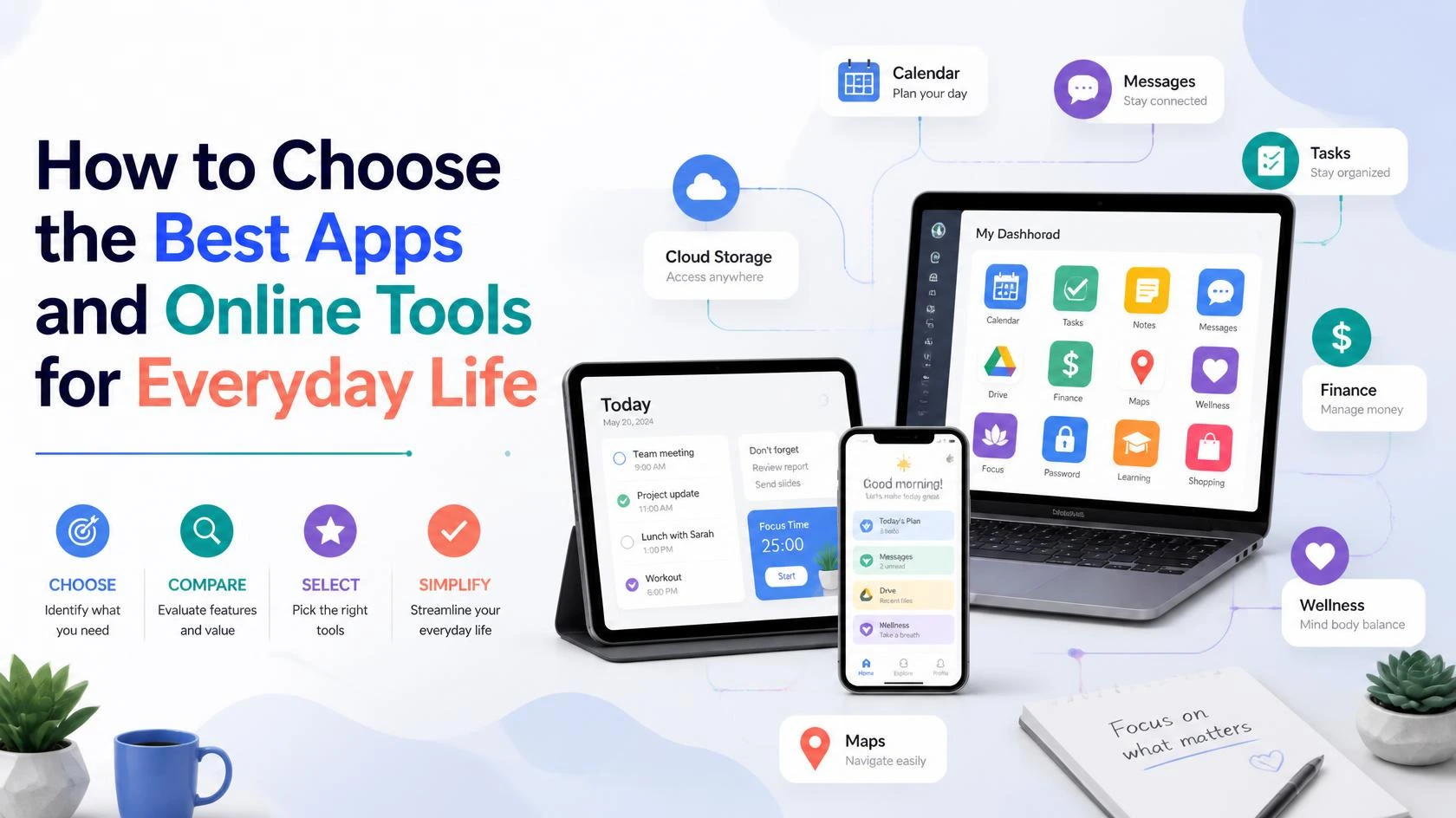
Learn how to choose the right apps and online tools for productivity, communication, organization, learning, and everyday tasks without downloading unnecessary applications.
A Complete Guide to Choosing the Right Apps and Online Tools for Everyday Life
Apps and online tools have become an important part of everyday life. People use them to communicate, manage work, study, organize schedules, store files, handle finances, learn new skills, and complete many other daily tasks.
With thousands of applications and online services available, however, choosing the right tools can be difficult.
A simple search for a task management app, note-taking tool, online storage service, or productivity platform can produce hundreds of options. Many promise to save time, improve productivity, or make life easier.
But having more apps does not always make you more productive.
In some cases, downloading too many applications can create additional problems. You may forget which app contains important information, receive unnecessary notifications, pay for services you rarely use, or spend more time managing tools than completing actual tasks.
The best approach is to choose digital tools based on your real needs.
This guide explains how to select the right apps and online tools for everyday life, what factors to consider before downloading a new application, and how to create a simpler and more useful digital toolkit.
Why Choosing the Right Digital Tools Matters
Technology should ideally make everyday tasks easier.
A useful app can help you:
- Save time.
- Stay organized.
- Communicate effectively.
- Remember important tasks.
- Store information securely.
- Learn new skills.
- Manage projects.
- Access important services.
However, the wrong tool can create frustration.
For example, you may download a complicated productivity app when a simple calendar would meet your needs. You may also install several applications that perform almost the same function.
Choosing the right tool means finding a balance between functionality and simplicity.
The goal is not to use the most popular app.
The goal is to find a tool that works well for you.
Start by Identifying the Problem You Want to Solve
Before searching for the best online tools, identify what you actually need.
Ask yourself:
What problem am I trying to solve?
For example:
- Do I need help remembering appointments?
- Do I want to organize daily tasks?
- Do I need a place to store notes?
- Am I looking for a way to share files?
- Do I need to communicate with a team?
- Do I want to learn a new skill?
- Am I trying to manage my personal budget?
Once you clearly understand the problem, it becomes easier to compare available options.
Avoid downloading an app simply because it is popular.
A tool can be excellent and still not be useful for your particular needs.
Choose Tools Based on Your Daily Activities
Your digital toolkit should reflect how you spend your time.
For example, a student may need:
- A calendar.
- Note-taking software.
- Cloud storage.
- Research tools.
- Communication platforms.
Someone working from home may need:
- Video communication.
- Task management.
- File sharing.
- Calendar scheduling.
- Document collaboration.
A person managing personal responsibilities may primarily need:
- A calendar.
- Reminder system.
- Banking tools.
- Maps.
- Shopping applications.
There is no universal collection of the best apps for everyone.
Your needs should determine your choices.
The Main Types of Apps and Online Tools
Understanding the main categories of digital tools can make it easier to organize your search.
1. Productivity Tools
These tools help you manage tasks, projects, schedules, and responsibilities.
Common uses include:
- Creating to-do lists.
- Setting reminders.
- Planning projects.
- Tracking progress.
- Managing deadlines.
Before choosing a productivity tool, ask whether you need something simple or something designed for complex projects.
For personal use, a basic task list may be enough.
For team projects, you may need additional collaboration features.
2. Calendar and Scheduling Tools
Calendar tools can help you manage:
- Appointments.
- Meetings.
- Classes.
- Deadlines.
- Personal events.
- Reminders.
A useful calendar should be easy to update and accessible when you need it.
Consider whether it can synchronize across your devices.
3. Note-Taking Tools
Notes can include:
- Ideas.
- Meeting information.
- Study materials.
- Personal reminders.
- Research.
- Lists.
A good note-taking tool should make it easy to find information later.
Search features, organization options, and synchronization may be important depending on how much information you store.
4. Communication Tools
Communication apps can include:
- Email.
- Messaging.
- Video calls.
- Team collaboration.
- Online communities.
Choose tools based on the people you need to communicate with.
Using five different messaging platforms may not improve communication if everyone important to you already uses one or two.
5. Cloud Storage and File Management
Cloud storage tools can help you:
- Store documents.
- Back up important files.
- Access files from different devices.
- Share documents with others.
Before using a storage service, consider its available space, security features, sharing options, and compatibility with your devices.
6. Learning Tools
Online learning tools can support:
- Professional development.
- Academic study.
- Language learning.
- Technical skills.
- Creative hobbies.
The best learning tool depends on your learning style and goals.
Some people prefer structured courses, while others prefer videos, articles, interactive exercises, or practical projects.
Look for Simplicity
A tool does not need hundreds of features to be useful.
In fact, too many features can make an application more difficult to use.
When comparing tools, ask:
- Can I understand the basic functions quickly?
- Does the design feel easy to use?
- Can I find important information easily?
- Will I realistically continue using this tool?
A simple application that you use consistently may be more valuable than a powerful application you stop using after a week.
Check Compatibility With Your Devices
Before committing to a new app or service, check whether it works with the devices you use.
For example:
- Does it work on your smartphone?
- Is there a web version?
- Can you access it from a computer?
- Does information synchronize automatically?
Cross-device access can be particularly useful for notes, calendars, files, and task management.
You may start a task on your computer and later need to access the same information from your phone.
Compatibility can make this process easier.
Consider Privacy and Security
Before entering personal or sensitive information into an app, consider how your information may be handled.
Review:
- The privacy policy.
- Account security options.
- Password requirements.
- Two-factor authentication availability.
- Data-sharing practices.
- Permissions requested by the application.
Be cautious about applications that request permissions that do not appear necessary for their main purpose.
For example, a simple tool may not need access to every part of your device.
It is also a good idea to use strong, unique passwords and enable additional security features when available.
Read Reviews Carefully
Reviews can provide useful information, but they should not be the only factor in your decision.
Look for patterns.
For example, multiple users may mention:
- Frequent technical problems.
- Poor customer support.
- Unexpected charges.
- Synchronization issues.
- Privacy concerns.
At the same time, remember that individual reviews represent personal experiences.
A tool with a few negative reviews is not automatically unsuitable.
Look at the overall pattern and consider whether the issues mentioned would affect your use.
Understand Free and Paid Versions
Many apps use a free version with optional paid features.
Before subscribing, ask:
- What does the free version include?
- Which features require payment?
- Is the paid version necessary for my needs?
- Can I cancel easily?
- Is the price reasonable for how often I will use the service?
Avoid paying for features simply because they sound useful.
Consider whether you will actually use them.
Sometimes the free version is enough.
Avoid Downloading Too Many Apps
It is easy to accumulate applications.
You may have:
- Three note-taking apps.
- Multiple calendars.
- Several task managers.
- Different cloud storage services.
- Numerous messaging platforms.
This can create digital clutter.
Instead, review your existing tools before downloading a new one.
Ask:
Do I already have an app that can do this?
If the answer is yes, you may not need another one.
Reducing unnecessary applications can make your digital life easier to manage.
Build a Simple Digital Toolkit
A practical everyday setup may include tools for the following purposes:
| Need | Type of Tool |
|---|---|
| Schedule | Calendar |
| Daily tasks | To-do list or task manager |
| Information | Note-taking tool |
| Files | Cloud storage |
| Communication | Email and messaging |
| Navigation | Maps |
| Learning | Educational platform or resource |
You do not necessarily need a separate app for every possible activity.
Start with the essentials.
Add more tools only when they solve a genuine problem.
Test Before Making a Long-Term Commitment
If possible, test an app before transferring all of your information or paying for a long subscription.
Use it for a few days or weeks.
Ask:
- Does it actually solve my problem?
- Is it easy to use?
- Do I use it regularly?
- Does it work reliably?
- Does it fit into my existing routine?
Testing can help you avoid committing to tools that look impressive but do not fit your needs.
Think About Integration
Some tools work better when they can connect with the other services you already use.
For example, you may want:
- Your calendar to connect with your email.
- Your files to be accessible from your work tools.
- Your task list to work across devices.
However, integration should be useful, not simply another feature to collect.
A complicated system with too many connections can become difficult to manage.
Choose integrations that genuinely save time.
Consider Your Level of Technical Experience
Some online tools are designed for beginners, while others are intended for advanced users.
Do not choose a complicated platform simply because professionals use it.
The best tool is one that matches your current needs and skills.
If you need only basic features, a simple option may be better.
You can always move to a more advanced system later.
Watch Out for Unnecessary Notifications
When installing a new application, review its notification settings.
Not every app needs permission to interrupt you.
Consider keeping notifications for:
- Important messages.
- Security alerts.
- Calendar reminders.
- Time-sensitive information.
Disable promotional or unnecessary notifications when possible.
This can help you maintain better digital habits.
For more ideas, you can link to:
How to Build Better Digital Habits: A Practical Guide to Managing Your Time, Apps and Online Life
Organize Your Apps
Your phone or computer can become cluttered over time.
Review your apps occasionally.
Consider:
- Deleting apps you no longer use.
- Grouping similar apps together.
- Keeping essential apps easy to access.
- Removing distracting apps from your main screen.
A more organized device can make it easier to find useful tools.
Use Fewer Tools More Effectively
The goal of digital tools is not to build the largest possible collection.
A small group of reliable tools can often handle most everyday needs.
For example, one person may use:
- One calendar.
- One task manager.
- One note-taking system.
- One main cloud storage service.
This can reduce confusion and make information easier to find.
Consistency is often more valuable than constantly changing apps.
Evaluate Tools Regularly
Your needs may change over time.
A tool that was useful last year may no longer be necessary.
Every few months, review your digital toolkit.
Ask:
- Which apps do I use regularly?
- Which subscriptions am I paying for?
- Which apps duplicate each other?
- Are there any tools I can remove?
- Is my current system still working?
This can help reduce unnecessary costs and digital clutter.
How to Choose the Right App: A Simple Checklist
Before downloading a new application, consider the following:
1. Does It Solve a Real Problem?
Avoid downloading tools simply because they are popular.
2. Is It Easy to Use?
If basic tasks are confusing, you may not continue using it.
3. Does It Work With Your Devices?
Check compatibility and synchronization.
4. Does It Have Reasonable Privacy and Security Practices?
Review permissions and account protection options.
5. Do You Need the Paid Version?
Compare the free and paid features.
6. Does It Replace or Duplicate an Existing Tool?
Avoid unnecessary duplication.
7. Will You Actually Use It?
Consider your real habits, not your ideal habits.
Practical Examples
Example 1: Choosing a Task Management Tool
Suppose you need help remembering daily responsibilities.
You could choose a highly advanced project management platform.
However, if your needs are simply:
- Remember appointments.
- Create daily tasks.
- Set reminders.
A simple to-do list may be a better choice.
Example 2: Choosing a Note-Taking Tool
If you occasionally write short notes, a basic notes application may be enough.
If you manage extensive research or professional information, you may need better organization and search capabilities.
Choose according to the amount and type of information you manage.
Example 3: Choosing a Learning Tool
If your goal is to learn a new skill, think about how you learn best.
You may prefer:
- Video lessons.
- Written guides.
- Interactive exercises.
- Live instruction.
- Practical projects.
The best platform is one that encourages you to continue learning.
Common Mistakes When Choosing Online Tools
Choosing Based Only on Popularity
A popular app may not suit your needs.
Downloading Too Many Similar Apps
This can create confusion.
Paying for Features You Do Not Use
Review your subscriptions regularly.
Ignoring Privacy Settings
Take time to understand what information you are sharing.
Changing Tools Too Frequently
Constantly moving between systems can reduce productivity.
Choosing a Tool That Is Too Complicated
Start simple and upgrade only when necessary.
Frequently Asked Questions
How do I choose the best online tools?
Start by identifying the specific problem you want to solve. Compare tools based on ease of use, compatibility, privacy, security, cost, and whether they fit your existing routine.
Should I pay for productivity apps?
Only if the paid features provide genuine value for your needs. Many people can manage everyday tasks effectively using free tools.
How many productivity apps should I use?
There is no exact number. However, using fewer tools can make your system easier to manage. Avoid unnecessary duplication.
Are free apps safe to use?
Safety depends on the individual app and its practices. Review the developer, permissions, privacy policy, security options, and user feedback before providing personal information.
How often should I review my apps?
Review your apps and subscriptions every few months. Remove tools you no longer use and check whether your current setup still meets your needs.
Final Thoughts
The best online tools are not necessarily the most expensive, popular, or feature-rich.
The right tool is one that solves a real problem and fits naturally into your daily life.
Start by identifying what you need. Choose simple tools when possible, consider privacy and security, avoid unnecessary subscriptions, and do not download multiple apps that perform the same task.
A smaller and more organized digital toolkit can help you save time and reduce unnecessary distractions.
Technology should support your daily routine rather than create more work.
By choosing your apps and online tools carefully, you can build a digital environment that is useful, organized, and easier to manage.
Suggested Internal Links
You can connect this article with the following YU Team articles:
- How to Build Better Digital Habits: A Practical Guide to Managing Your Time, Apps and Online Life
- How to Stay Productive While Working or Studying From Home: A Complete Guide
- How to Organize Your Daily Routine for Better Productivity and Less Stress
- How to Find Reliable Information Online: A Practical Guide to Research, Verification and Online Safety